

When you need to connect Jira with another system — whether that’s syncing issues from Azure DevOps, pulling data from a CRM, or migrating an entire project history — you have three main options: Jira Automation, a third-party Marketplace app, or a custom-built Forge app. Each approach works well in the right situation and falls short in the wrong one. This post explains how they compare and how to choose.
What does “integrating Jira with another system” actually mean?
A Jira integration is any setup that lets Jira exchange data with an external tool — creating issues based on events in another system, syncing status updates, migrating historical records, or triggering actions across platforms. The complexity ranges from a simple webhook to a fully bidirectional synchronisation that keeps two live systems aligned in real time.
The right approach depends on three factors: how complex your workflow logic is, how much control you need over field mapping and data transformation, and whether the integration needs to be maintained long-term or is a one-time migration.
Option 1: Jira Automation
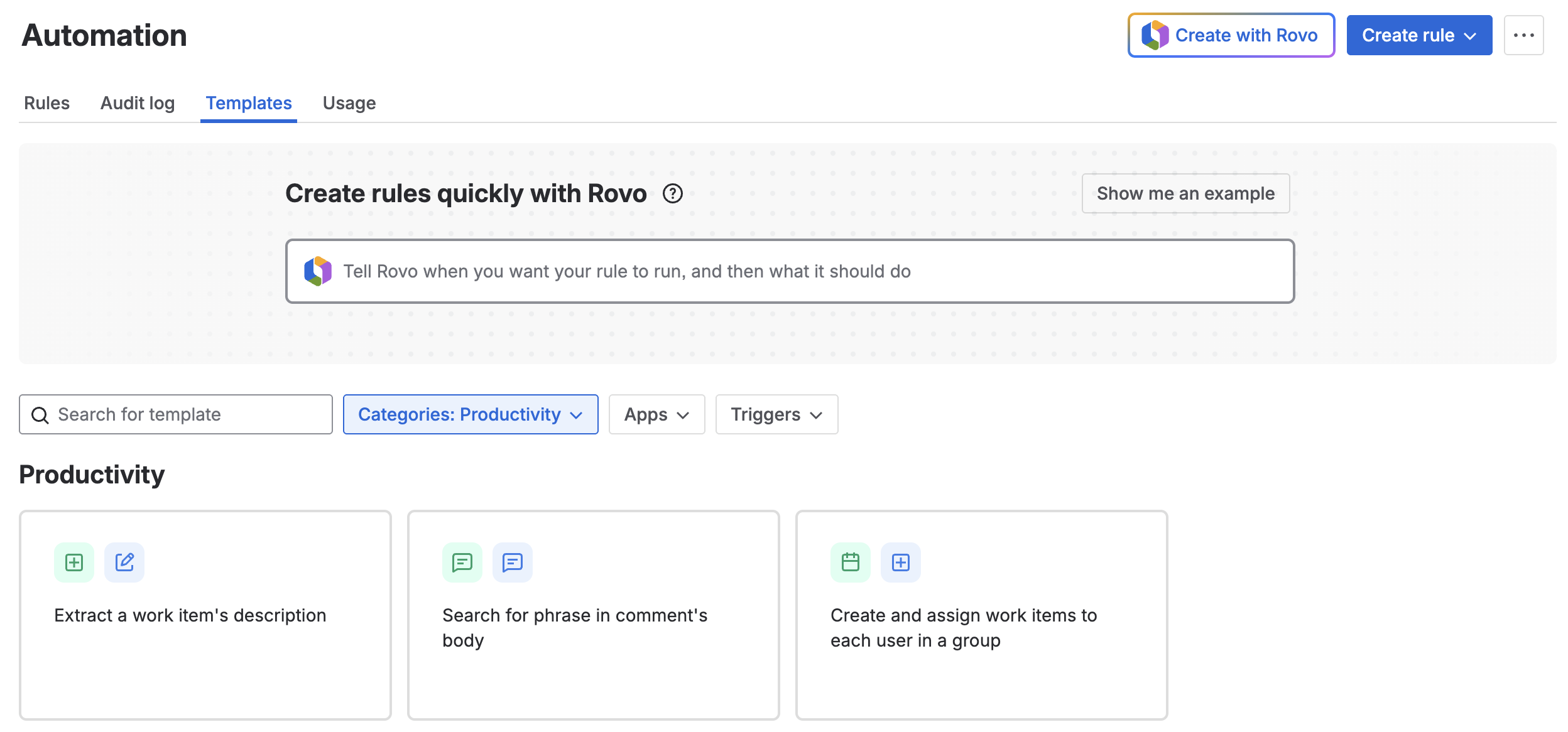
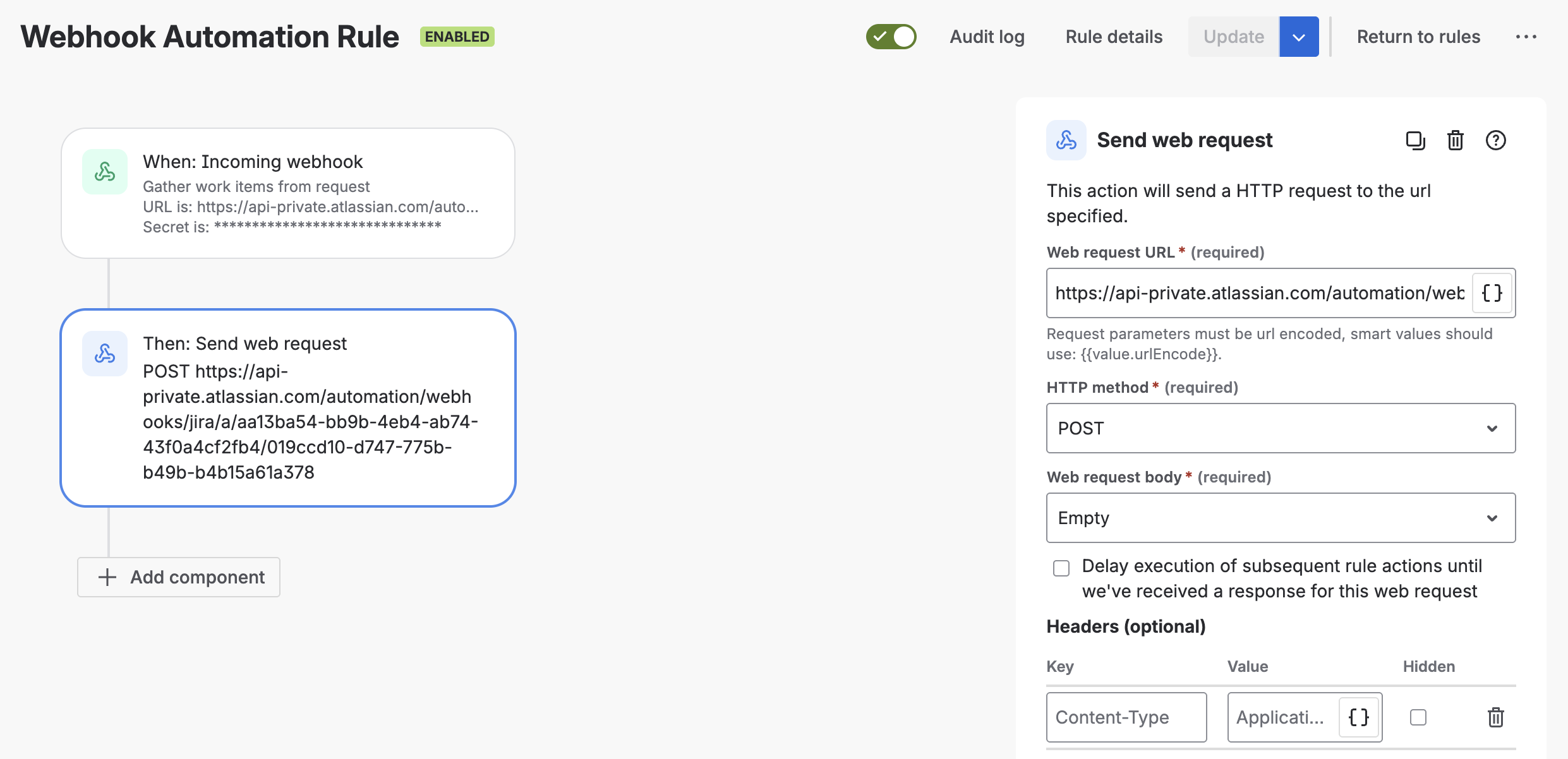
Jira Automation is the built-in rules engine available on all Jira Cloud plans. It lets you trigger actions — creating issues, updating fields, sending notifications — based on events inside Jira or from external sources via webhooks.
Where it works well:
- Lightweight, event-driven triggers (e.g. “when an issue is created in Project A, create a linked issue in Project B”)
- Notifications to external systems like Slack or email
- Simple field updates triggered by status changes
Where it hits its limits:
Jira Automation is not designed for complex integrations with external systems. It has no persistent state, meaning it cannot handle multi-step synchronisation logic that depends on what happened in a previous run. Webhook payloads from external systems need to match a specific structure, and transforming or filtering that data inside Automation rules is awkward at best. Rate limits also apply — on high-volume projects, rules can queue or fail silently.
If your integration requires conditional field mapping, bidirectional sync, error handling, or any meaningful transformation of incoming data, Automation alone will not be enough.
Option 2: Marketplace Apps
The Atlassian Marketplace has several apps built specifically for system integrations — tools like Exalate, Backbone Issue Sync, and ZigiOps cover common use cases such as Jira-to-Jira sync, Jira-to-ServiceNow, and cross-company collaboration.
Where they work well:
- Standard integration patterns between widely-used systems
- Teams that need something running quickly without custom development
- Scenarios where the default field mappings match your actual configuration
Where they fall short:
Marketplace integration apps are built around the most common configurations. When your Jira setup — or the system you’re integrating with — has custom fields, non-standard workflows, or specific business logic, these apps can struggle. Some apps offer scripting or rule-based customisation to handle edge cases, but getting that configuration right for a complex setup takes significant time and specialist knowledge. You can end up spending weeks tuning an app that was supposed to save you weeks.
There are also commercial considerations: licensing costs scale with users or data volume, and you’re dependent on the vendor’s roadmap for ongoing support and compatibility updates.
Option 3: A Custom Forge App
Atlassian Forge is the cloud development platform for building apps that run natively inside the Atlassian ecosystem. A custom Forge app built specifically for your integration can handle arbitrary logic, connect to any external API, map fields exactly as needed, and include proper error handling and logging.
Where it makes sense:
- Complex or bidirectional integrations where off-the-shelf tools can’t match your configuration
- Migrations where data needs to be transformed, validated, or mapped before it lands in Jira
- Long-running or recurring synchronisation with specific scheduling or retry requirements
- Situations where security or data residency requirements rule out third-party intermediaries
The honest tradeoff:
A custom Forge app requires upfront development effort and someone who knows the Forge platform. It is not the right choice for a simple, standard use case where a Marketplace app would do the job. But when the complexity is real, a tailored app will be more reliable and easier to maintain than a heavily customised third-party tool.
A real-world example: migrating from Azure DevOps to Jira
A healthcare software company needed to migrate their entire development workflow from Azure DevOps to Jira Cloud. Their setup included custom fields, specific issue hierarchies, and compliance-related metadata that had to be preserved accurately during the transition.
We evaluated several Marketplace migration apps. Some lacked the configuration options needed to handle the custom field structure on the Azure DevOps side. Others offered enough flexibility in theory, but getting the mapping logic right required so much custom scripting within the app that the effort was comparable to building something from scratch — without the reliability or maintainability.
The decision was to build a custom Forge app tailored to their exact configuration in both systems. The app handled field mapping, data transformation, and validation before any record was written to Jira. The migration ran in controlled batches, with logging at each step so issues could be caught and corrected before they propagated. The result was a clean, auditable migration with no manual cleanup required after the fact.
How to decide which approach is right for your situation
| Situation | Recommended approach |
|---|---|
| Simple event-based triggers, no external data transformation | Jira Automation |
| Standard integration between two common tools, default field mapping fits | Marketplace app |
| Complex field mapping, custom workflows, or non-standard configuration | Custom Forge app |
| One-time migration with transformation and validation requirements | Custom Forge app |
| Standard migration between well-supported platforms | Marketplace app (evaluate carefully) |
FAQ: Jira integrations and system connections
Can Jira Automation connect to external systems like Azure DevOps or ServiceNow?
Jira Automation can send and receive webhook calls, which allows basic event-driven communication with external systems. However, it does not support persistent state, complex data transformation, or reliable bidirectional sync. For anything beyond simple triggers, a more capable solution is needed.
What is a Forge app and how is it different from a Connect app?
A Forge app is a cloud-native Atlassian application that runs on Atlassian’s own infrastructure. Unlike older Connect apps, Forge apps do not require you to host your own backend — the code runs inside the Atlassian platform, which simplifies security and compliance. Forge is Atlassian’s recommended framework for new app development as Connect is deprecated and Connect apps need to be migrated to Forge.
When should I use a Marketplace integration app instead of building something custom?
If your Jira configuration is relatively standard and the Marketplace app supports the systems you’re connecting, a Marketplace app is usually faster and more cost-effective. The risk is when your workflows or field configurations fall outside what the app was designed for — at that point, customisation effort can escalate quickly.
How long does a custom Forge integration or migration typically take to build?
It depends heavily on the complexity of the systems involved and the volume of data. A focused migration project with well-defined requirements typically takes a few weeks from scoping to completion. Ongoing bidirectional sync integrations take longer due to the need for error handling, scheduling logic, and testing across edge cases.
Is a custom Forge app a realistic option for smaller teams or smaller budgets?
It can be, particularly for one-time migrations where the alternative is weeks of manual data entry or a poorly configured Marketplace tool. The key is having a clear scope upfront. A well-defined migration project is often more predictable in cost than a Marketplace app that keeps needing adjustment.
Need help figuring out the right approach?
If you’re evaluating options for a Jira integration or migration and aren’t sure which route fits your situation, we’re happy to talk it through. ij-solutions has hands-on experience building custom Forge apps and running complex migrations. We can help you avoid the dead ends before you invest time in the wrong direction.
Get in touch with ij-solutions to discuss your requirements.